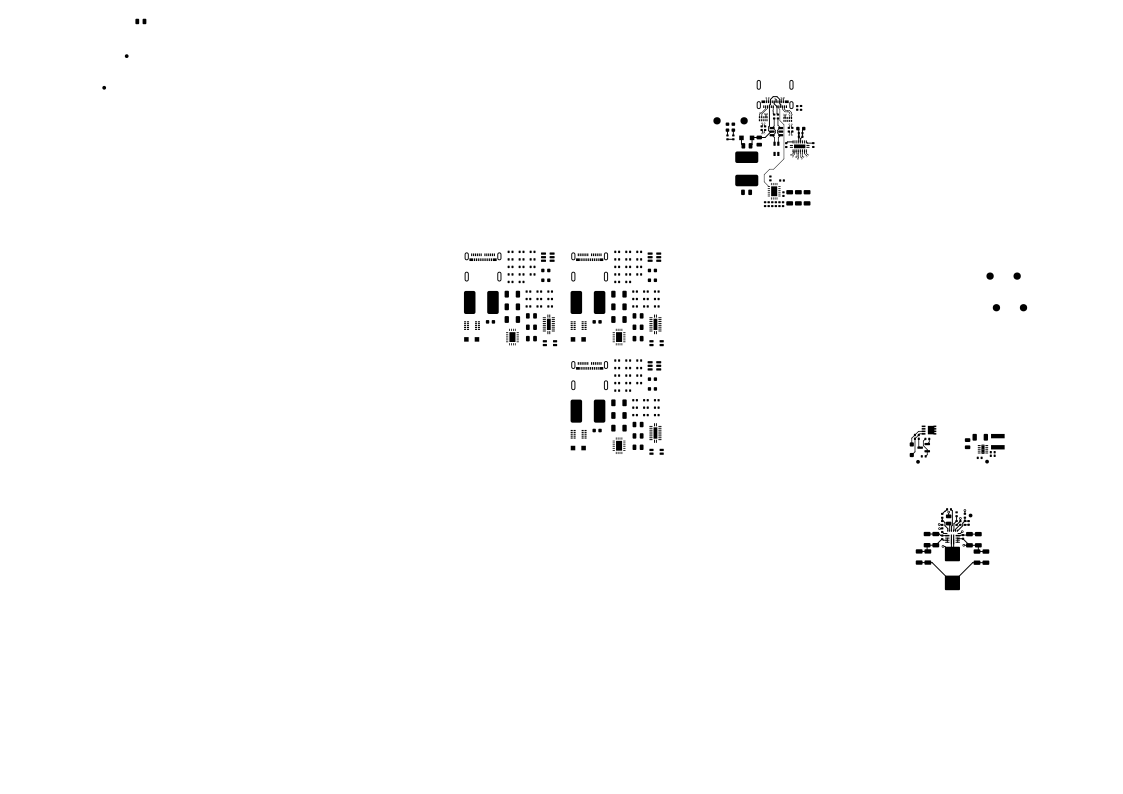
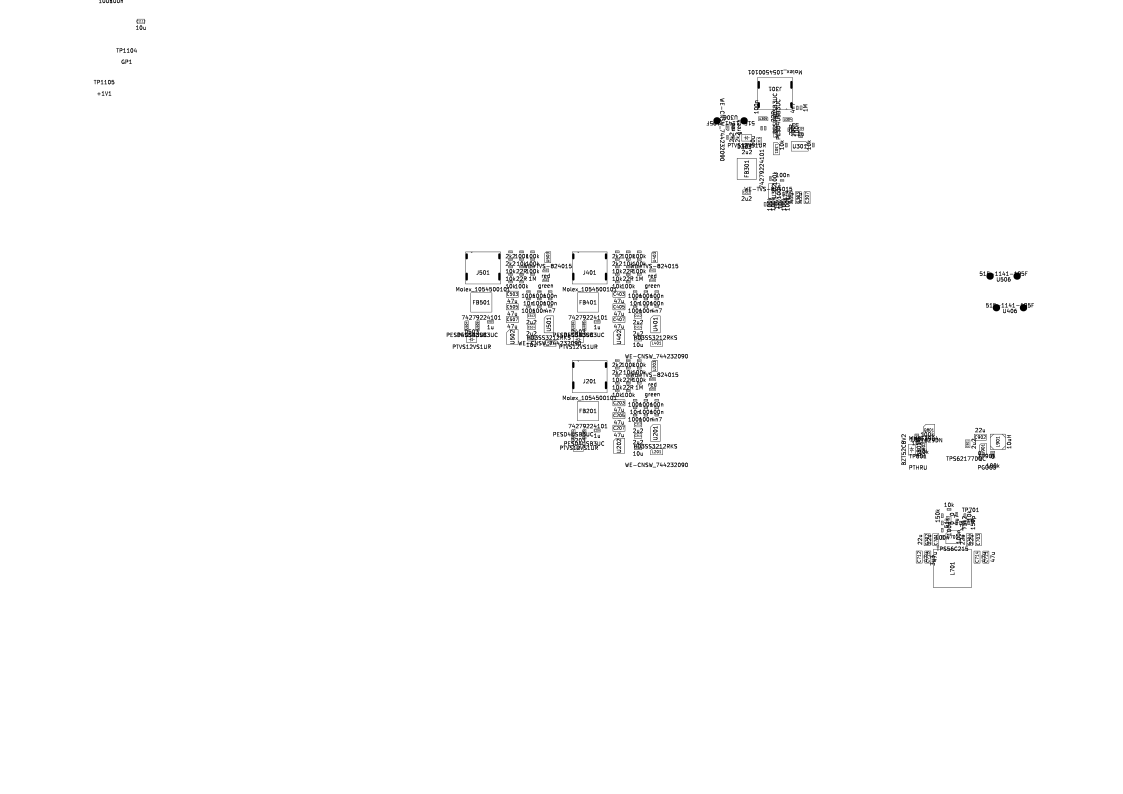
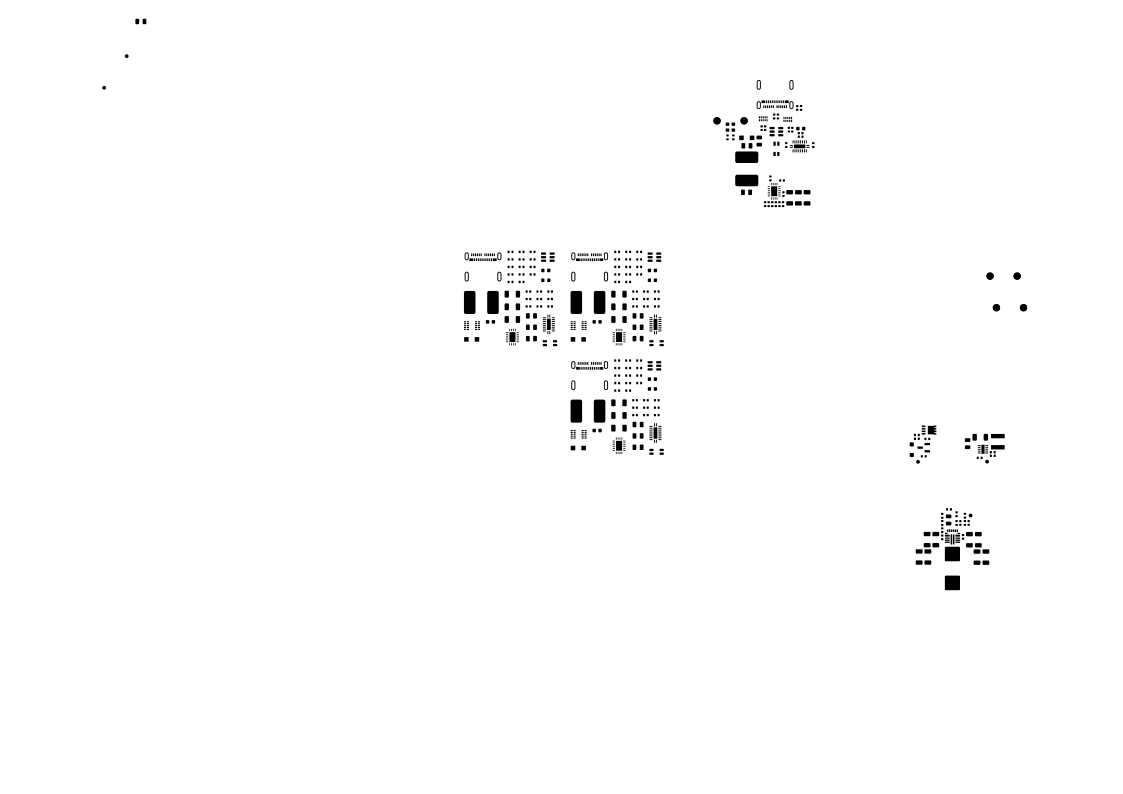
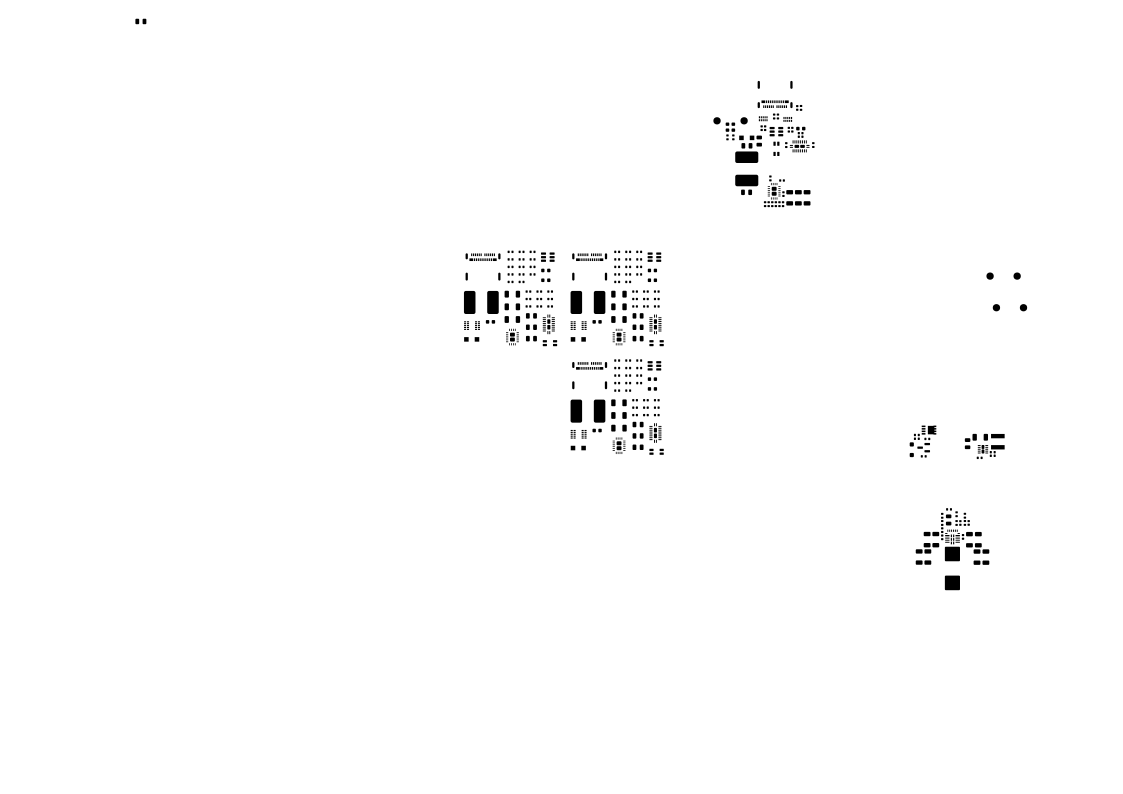
usb-c-hub-four-port-uhubctl
Four-port USB-C hub with per-port power control
WIP: Not ready for production yet.
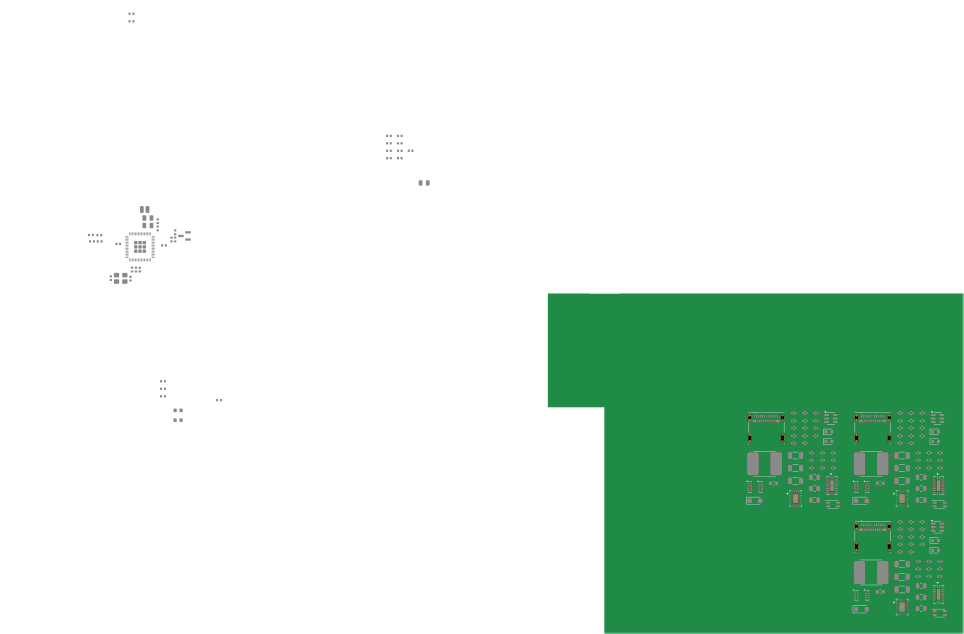
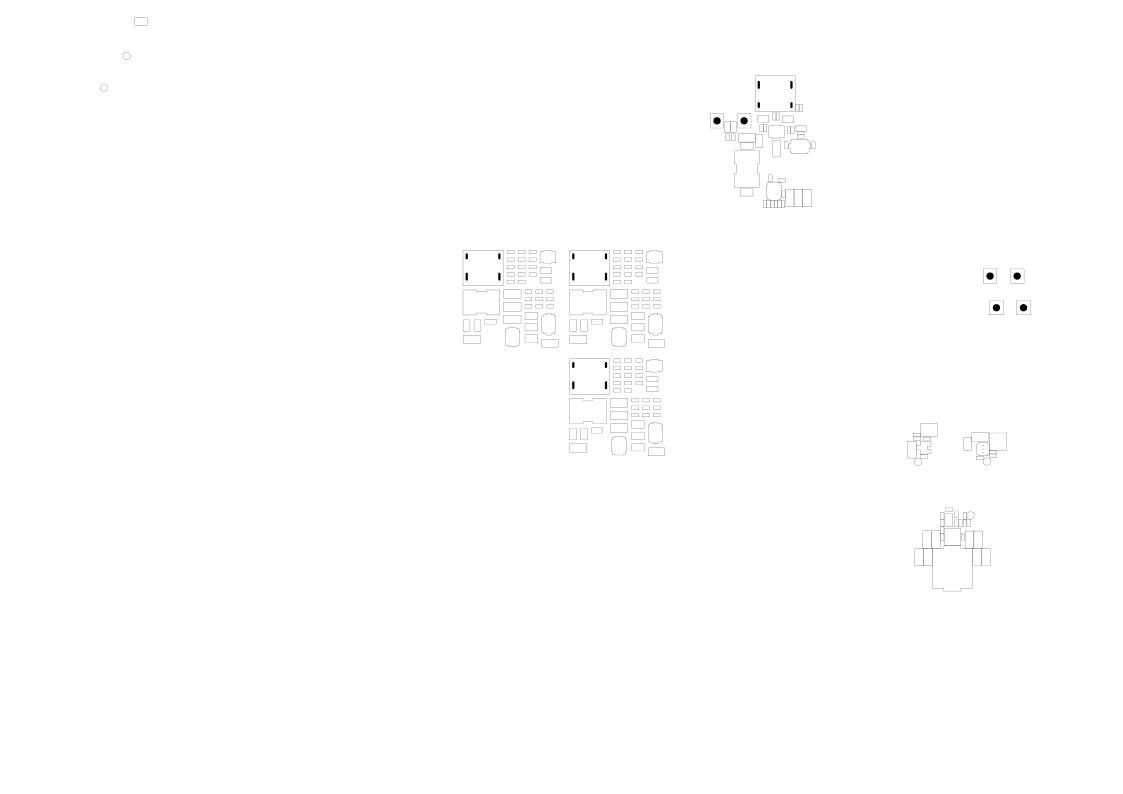
This board is a four-port USB 3.0 hub prototype with one USB-C upstream-facing port (UFP) and four USB-C downstream-facing ports (DFPs). Each downstream port has independently switchable 5 V power, allowing a host to power, remove power from, or power-cycle one attached device without disturbing the other ports.
The board is intended to validate the USB and power architecture planned for the OnMCU Rackless Enclave.
Highlights
- GL3523-30-76 four-port USB 3.0 hub controller
- Standard USB hub per-port power switching, intended for use with
uhubctl - USB-C UFP with AP33772 USB-PD sink and HD3SS3212 SuperSpeed orientation mux
- Four USB-C DFPs with TPS25810 current-limited power switches and individual SuperSpeed orientation muxes
- Selectable downstream current limits of 500/900 mA, 1.5 A, or 3 A per port
- RP2354A housekeeping controller for PD supervision, power-path selection, downstream current budgeting, status monitoring, and the optional OLED UI
- Green/red status LEDs for each downstream port and a PD-status LED for the UFP
- SWD, UART, test points, and an SSD1306-compatible I2C display header for bring-up
- Four-layer, 1.6 mm PCB
Architecture
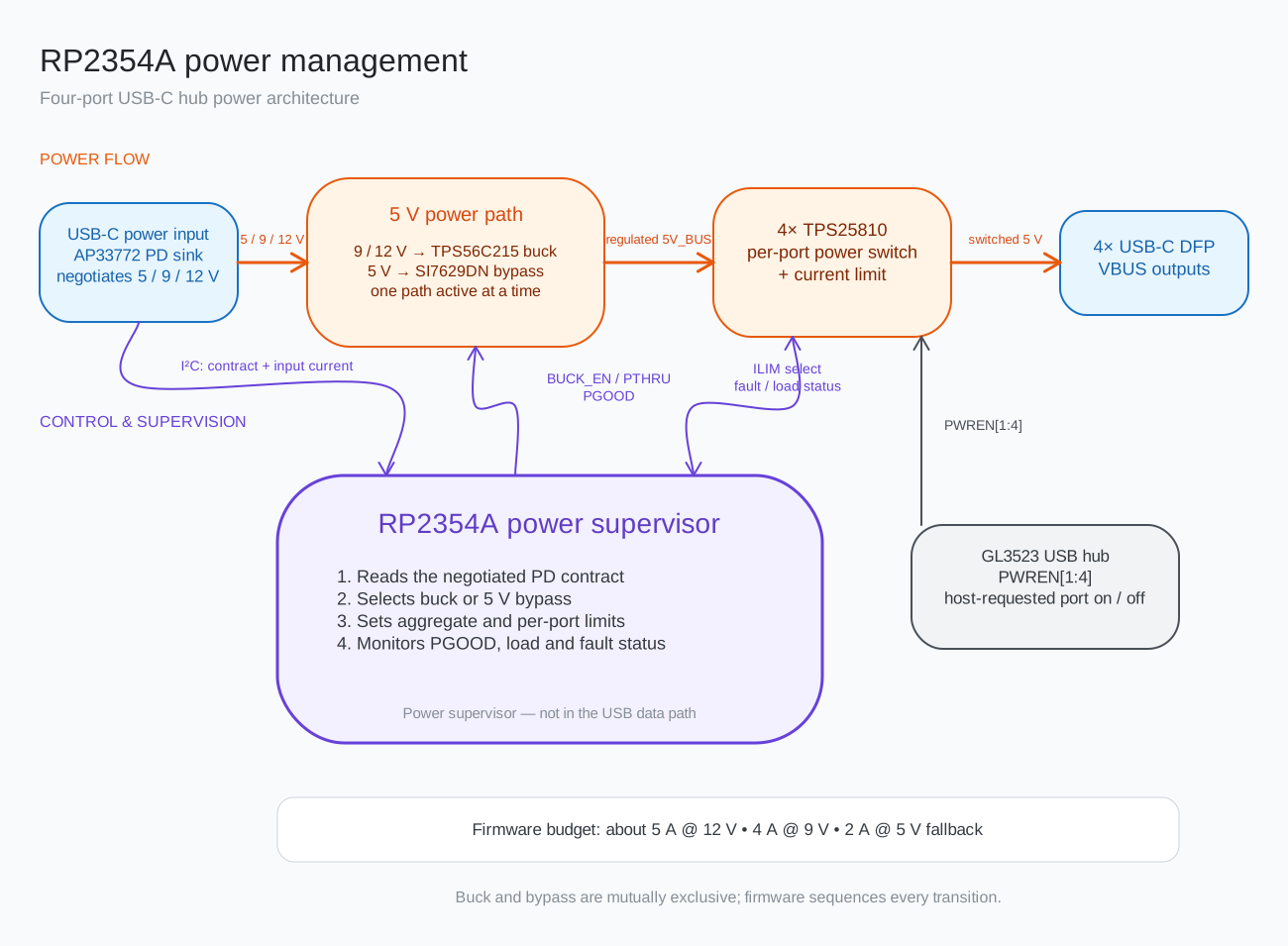
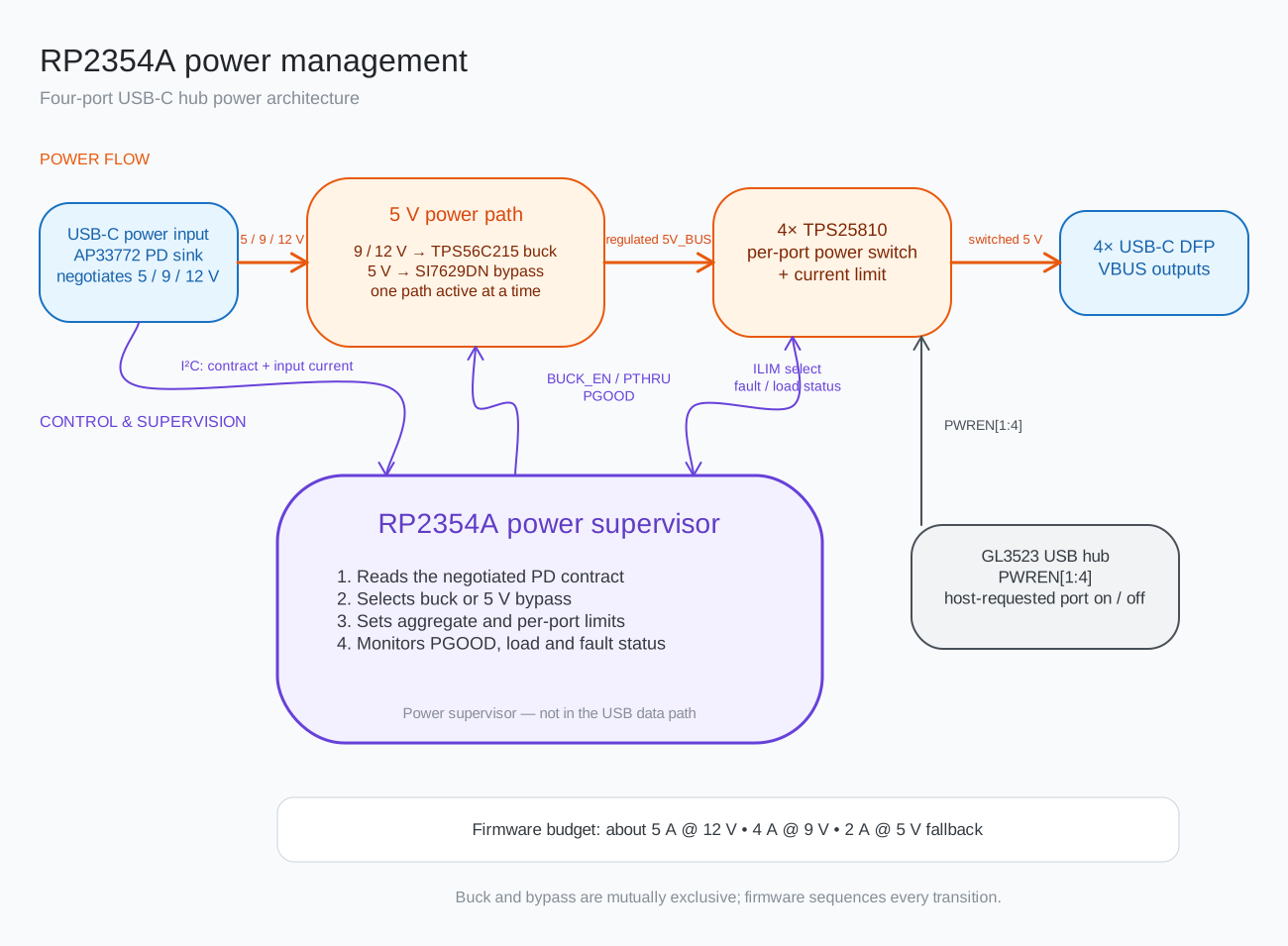
The rendered diagram is generated from the editable
architecture.excalidraw source. Run
make diagram after changing it.
The RP2354A is a power-management controller and is not part of the hub's USB data path.
Power architecture
The preferred input is a 12 V / 3 A USB-PD contract. A 9 V contract and a 5 V fallback are also supported by the intended control policy.
| Input contract | 5 V generation | Intended downstream policy |
|---|---|---|
| 12 V / 3 A | TPS56C215 buck enabled | Up to about 5 A aggregate |
| 9 V / 3 A | TPS56C215 buck enabled | Up to about 4 A aggregate |
| 5 V / 3 A | SI7629DN bypass enabled | Up to about 2 A aggregate |
Each DFP is limited to 3 A by its TPS25810. The RP2354A firmware must impose a lower aggregate budget when the negotiated input contract cannot supply all four ports at their individual limits.
The buck and bypass paths must be driven mutually exclusively. Firmware for contract detection, transition sequencing, current-limit selection, and fault handling must be loaded and validated before relying on automatic power-path operation.
Per-port control with uhubctl
The GL3523 is configured for individual power switching by bootstrap resistors;
no custom GL3523 firmware or EEPROM configuration is required for this mode.
During power-on reset, PGANG is an input and R1014 pulls it low to select
individual rather than ganged switching. The pin becomes the suspend-status
output after the bootstrap interval.
The PAMBER_P2 strap is pulled high by R1020 to make PWREN1 through PWREN4
active-high. R1016 through R1019 hold those outputs low while inactive. The four
power-control outputs drive the TPS25810 enable inputs, allowing the host to
control VBUS through standard USB hub class requests:
# Discover the hub and its USB topology location.
uhubctl

# Replace <location> and <port> with values reported for this hub.
sudo uhubctl -l <location> -p <port> -a off
sudo uhubctl -l <location> -p <port> -a on
sudo uhubctl -l <location> -p <port> -a cycle
Use --both when the matching USB 2.0 and USB 3.0 logical hubs both need to be
controlled. During bring-up, verify the hub descriptor reports individual
power switching and measure the physical DFP VBUS state; software reporting
alone does not validate the bootstrap configuration or power-switch polarity.
Design files
| File | Purpose |
|---|---|
usb-c-hub-four-port-uhubctl.kicad_pro |
KiCad project |
usb-c-hub-four-port-uhubctl.kicad_sch |
Top-level schematic |
usb-c-hub-four-port-uhubctl.kicad_pcb |
PCB layout |
ufp.kicad_sch |
Upstream USB-C and PD input |
dfp.kicad_sch |
Reused downstream-port sheet |
hub.kicad_sch |
GL3523 hub and downstream hierarchy |
rp2354a.kicad_sch |
Housekeeping controller and debug/UI connections |
buck_5v.kicad_sch |
Main 5 V converter |
buck_3v3.kicad_sch |
Logic 3.3 V converter |
passhtrough.kicad_sch |
5 V input bypass path |
docs/architecture.excalidraw |
Editable architecture diagram |
docs/architecture.svg |
Rendered architecture diagram used above |
| Datasheet inventory | Datasheets and design guides stored on the NAS |

Open the project with KiCad or use kicad-cli for non-interactive checks and
exports. For example:
kicad-cli sch erc usb-c-hub-four-port-uhubctl.kicad_sch
kicad-cli pcb drc usb-c-hub-four-port-uhubctl.kicad_pcb
kicad-cli sch export pdf \
  --output usb-c-hub-four-port-uhubctl-schematic.pdf \
  usb-c-hub-four-port-uhubctl.kicad_sch
Related design decisions
HDR-012 contains the detailed rationale, expected power budgets, implementation notes, and open questions for this prototype.