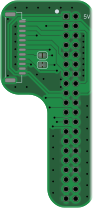
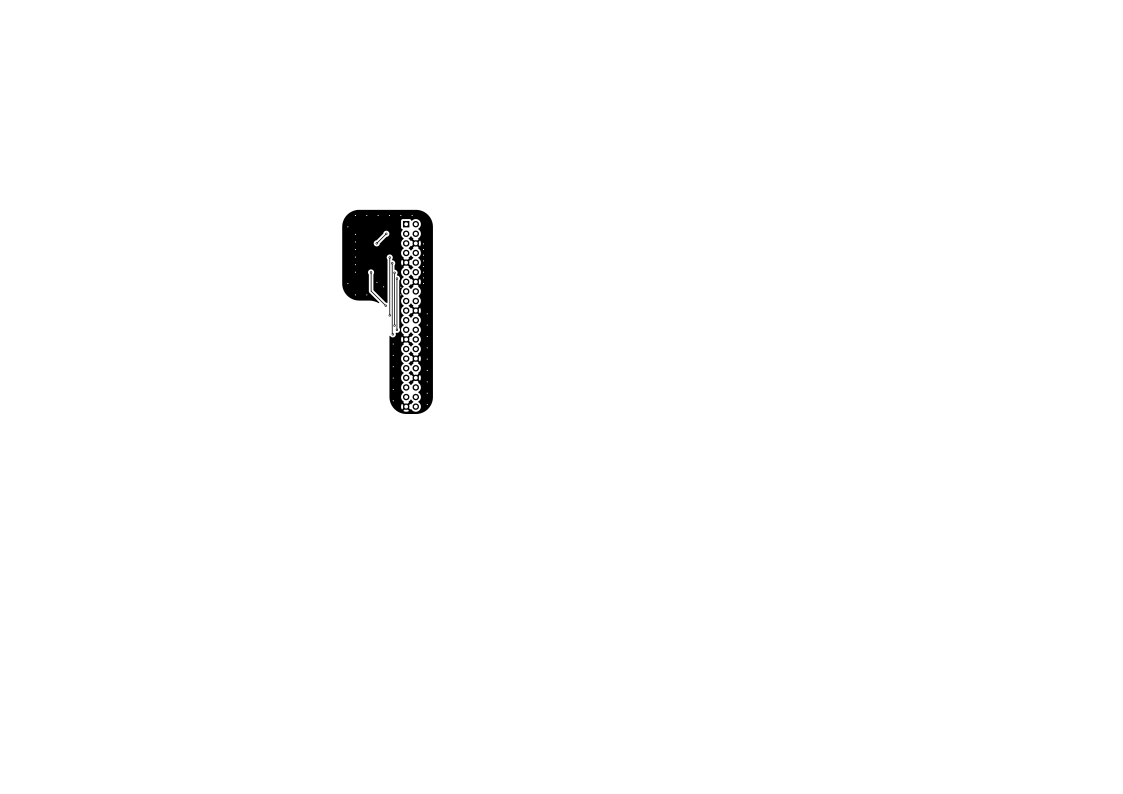
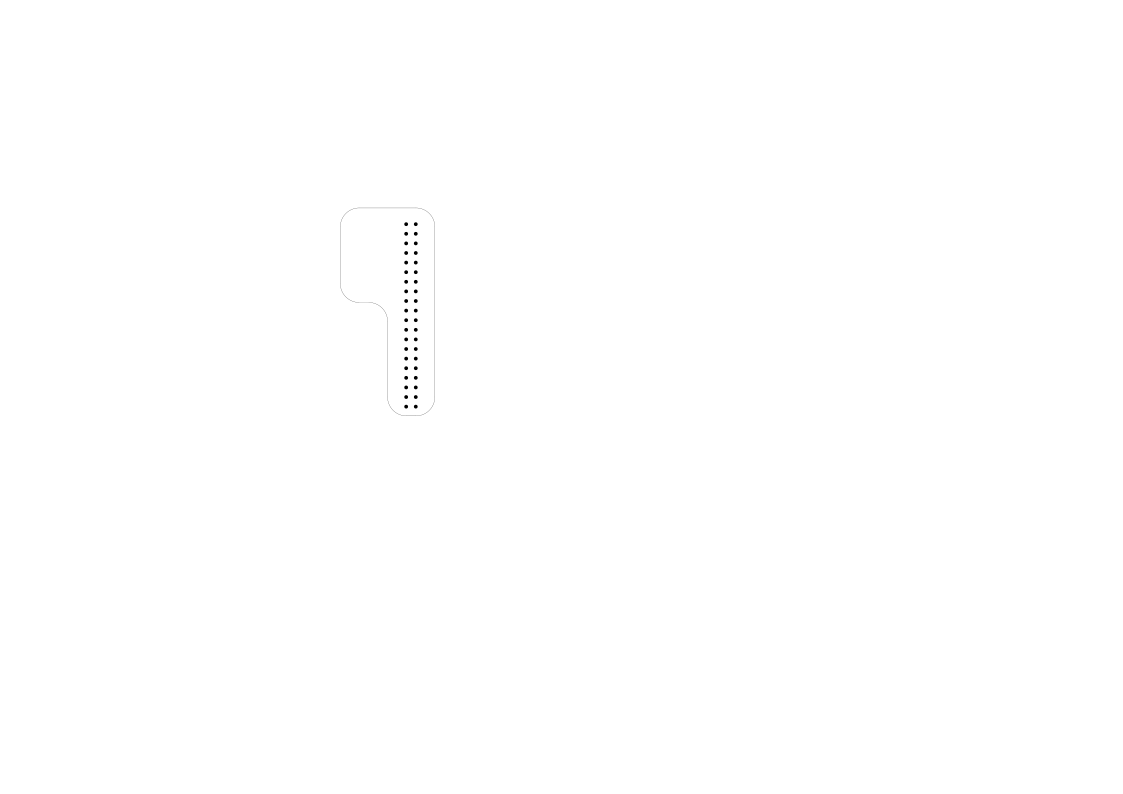
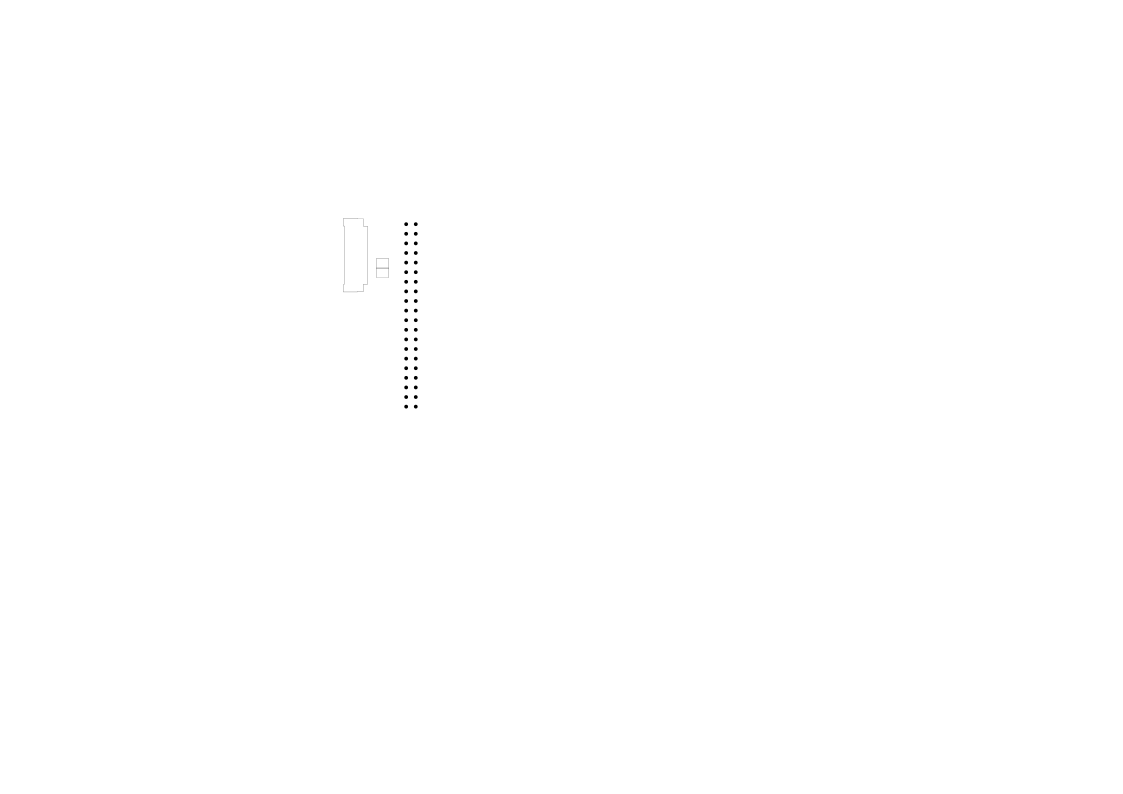
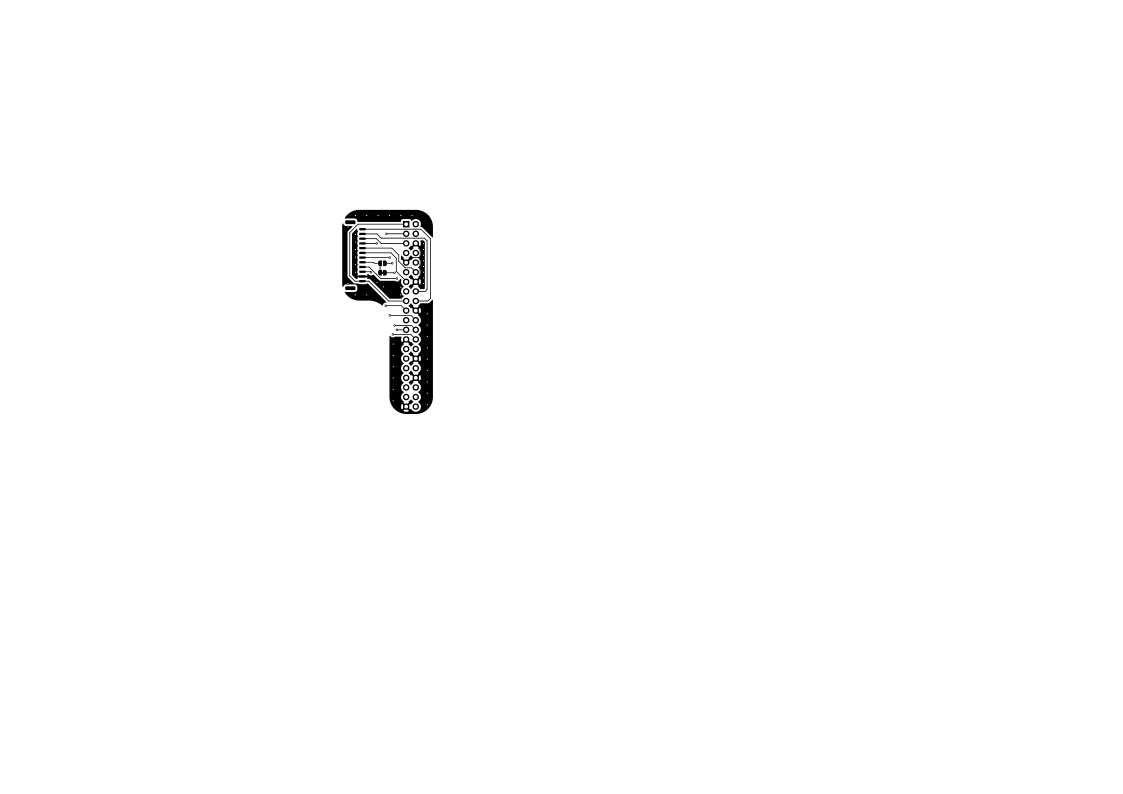
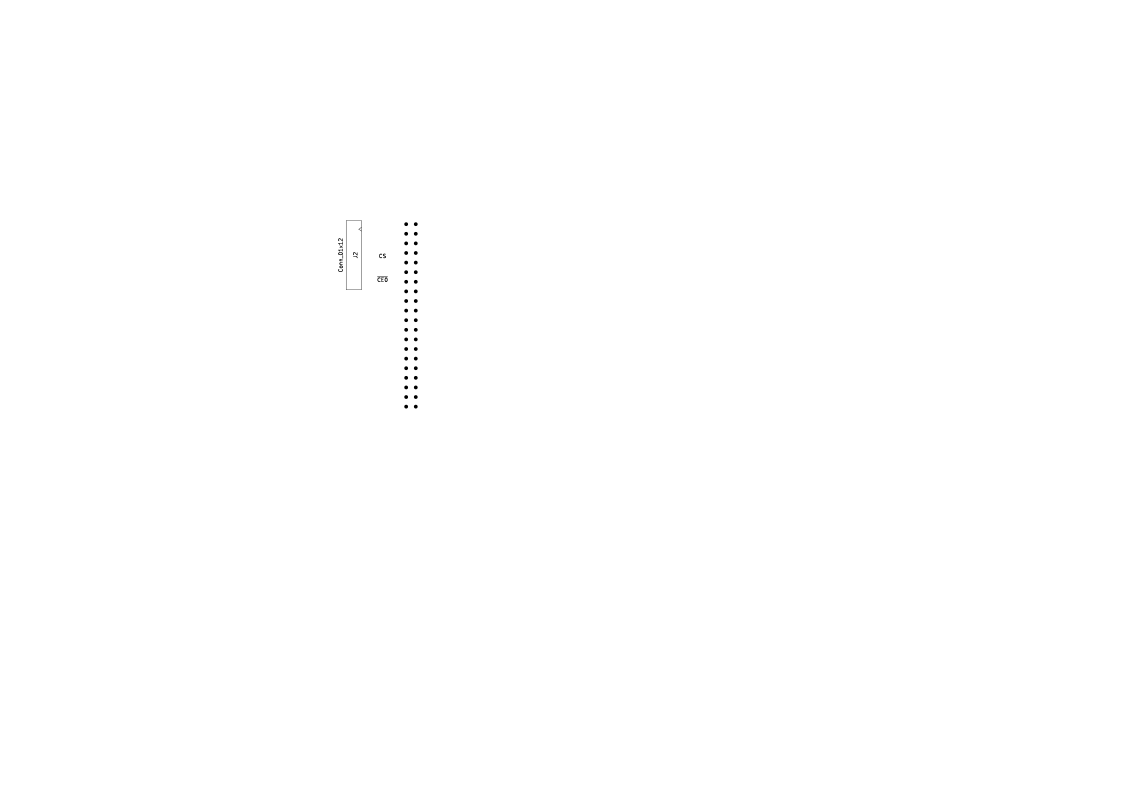
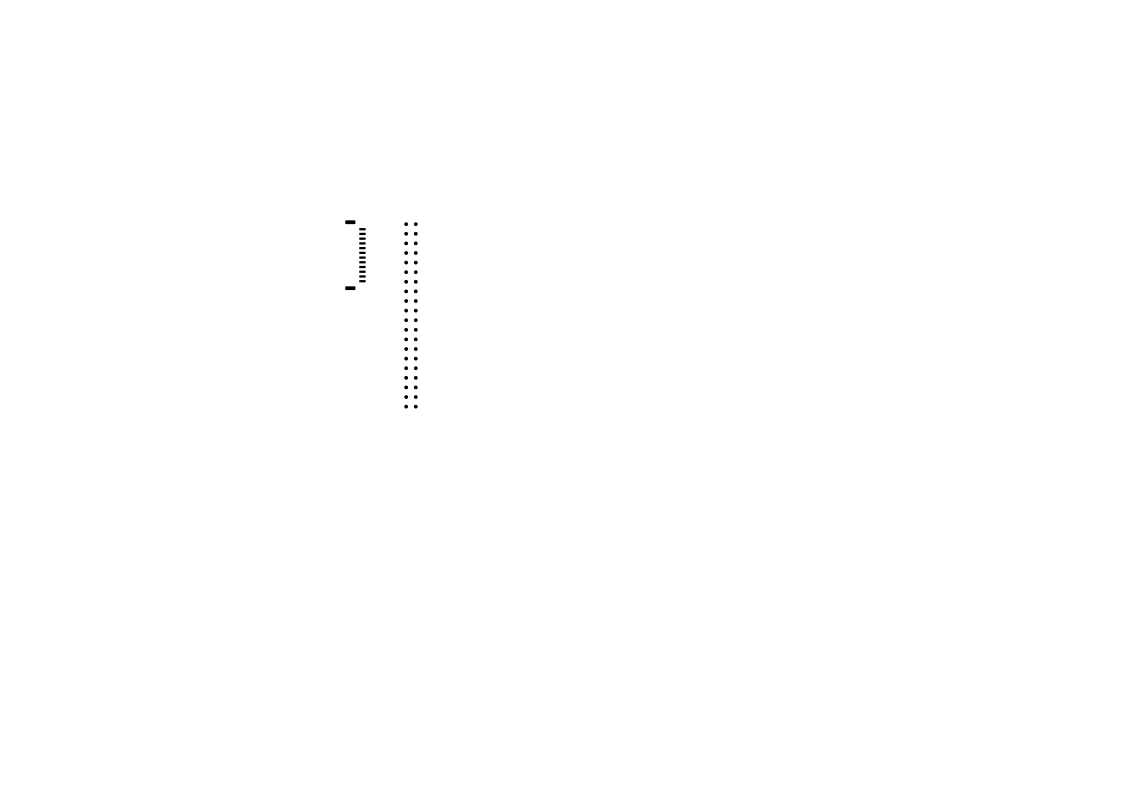
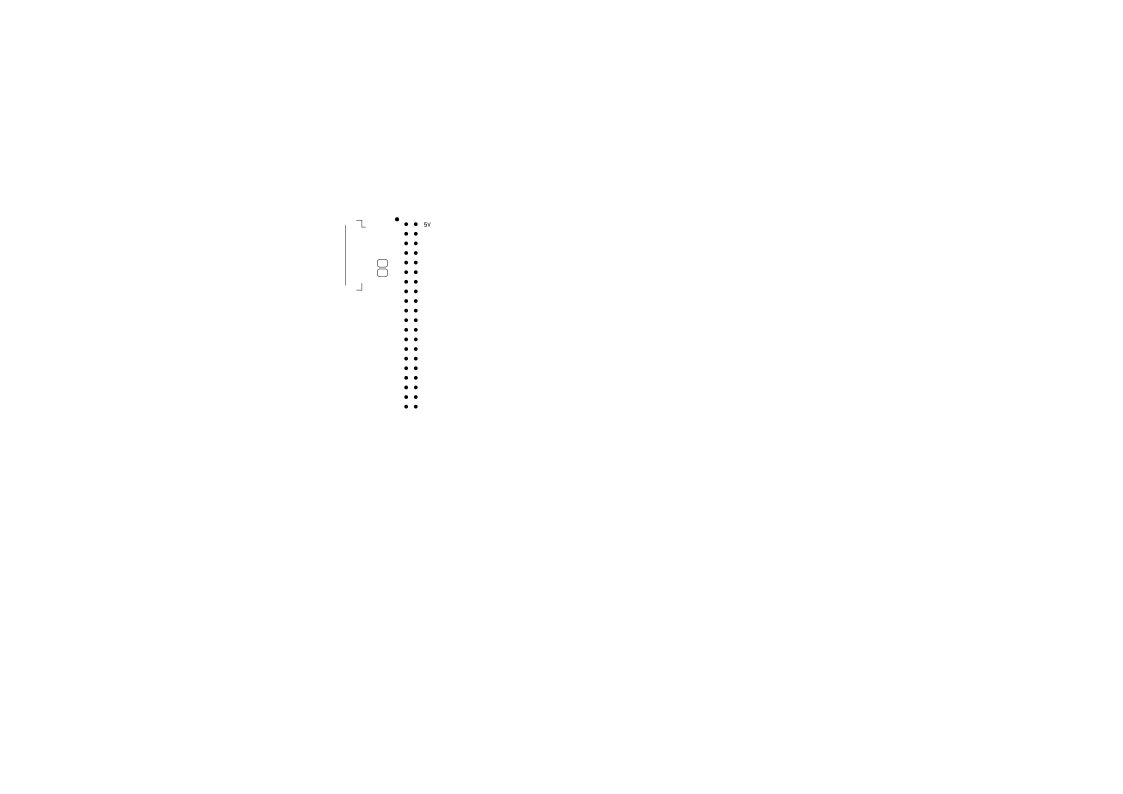
This interposer connects a Waveshare 1.69-inch 240 x 280 touch LCD module (ST7789V2 display controller and CST816S touch controller) to the first 24 pins of the Raspberry Pi GPIO header.
Device-tree settings use BCM GPIO numbers, not physical header pin numbers.
| Signal | Raspberry Pi physical pin | BCM function |
|---|---|---|
| VCC | 1 and 17 | 3.3 V |
| GND | 6, 9, 14 and 20 | Ground |
| TP_SDA | 3 | GPIO2 / I2C1 SDA |
| TP_SCL | 5 | GPIO3 / I2C1 SCL |
| LCD_BL | 12 | GPIO18 / PWM0 |
| LCD_RST | 13 | GPIO27 |
| TP_RST | 16 | GPIO23 |
| TP_IRQ | 18 | GPIO24 |
| LCD_DIN | 19 | GPIO10 / SPI0 MOSI |
| LCD_DC | 22 | GPIO25 |
| LCD_CLK | 23 | GPIO11 / SPI0 SCLK |
| LCD_CS | 24 | GPIO8 / SPI0 CE0 |
Power the module from 3.3 V only in this design. The module's logic-side voltage follows VCC; powering it from 5 V would expose Raspberry Pi GPIOs to 5 V logic.
Do not add another pair of I2C pull-ups to this interposer.
The existing pull-ups are therefore sufficient and already appear in parallel. If a later board revision adds optional pull-up footprints, fit them as DNP by default. Populate them only after measuring the assembled bus, or when using a Compute Module carrier that does not provide the standard header pull-ups.
The display uses Raspberry Pi's in-tree mipi-dbi-spi DRM overlay. Touch uses
the custom
cst816s-overlay.dts
in the dtoverlays repository.
On the Raspberry Pi:
sudo apt install device-tree-compiler
git clone https://github.com/onmcu/dtoverlays.git
dtc -@ -I dts -O dtb \
  -o cst816s.dtbo dtoverlays/cst816s-overlay.dts
sudo install -m 0644 cst816s.dtbo /boot/firmware/overlays/cst816s.dtbo
On Raspberry Pi OS releases older than Bookworm, use /boot/overlays/ instead
of /boot/firmware/overlays/.
mipi-dbi-spi needs panel-specific initialization commands in
/lib/firmware/panel.bin. The supplied
waveshare-1.69-st7789v2.txt
is
transcribed from Waveshare's driver. The overlay configuration below also
applies the 20-pixel row offset used by this 240 x 280 panel in the controller's
240 x 320 RAM.
Use the mipi-dbi-cmd tool from the panel driver author's repository:
git clone https://github.com/notro/panel-mipi-dbi.git
python3 panel-mipi-dbi/mipi-dbi-cmd panel.bin \
  dtoverlays/waveshare-1.69-st7789v2.txt
sudo install -m 0644 panel.bin /lib/firmware/panel.bin
Append this to /boot/firmware/config.txt:
# CST816S on I2C1: SDA=GPIO2, SCL=GPIO3, reset=GPIO23, IRQ=GPIO24
dtparam=i2c_arm=on
dtoverlay=cst816s

# ST7789V2 on SPI0 CE0: MOSI=GPIO10, SCLK=GPIO11
dtoverlay=mipi-dbi-spi,spi0-0,speed=32000000,write-only
dtparam=width=240,height=280,y-offset=20
dtparam=reset-gpio=27,dc-gpio=25
dtparam=backlight-gpio=18
The 32 MHz SPI setting is a conservative starting point. Increase it only after
testing the final PCB and cable. The write-only flag is required because this
module does not expose LCD MISO.
GPIO18 can instead provide PWM brightness. Replace the last display parameter with the following two lines if PWM backlight control is wanted:
dtparam=backlight-pwm
dtparam=backlight-pwm-gpio=18,backlight-def-brightness=16
Reboot after installing the files and editing config.txt.
The ST7789V2 path uses the mainline panel-mipi-dbi DRM driver. The CST816S
binding and hynitron-cst816x input driver are also in current Linux, using
compatible string hynitron,cst816s at I2C address 0x15.
The current Raspberry Pi kernel tree contains the CST816S driver, but its stock
Raspberry Pi defconfigs do not currently enable
CONFIG_TOUCHSCREEN_HYNITRON_CST816X. Check the running image before relying on
the touch overlay:
grep CONFIG_TOUCHSCREEN_HYNITRON_CST816X /boot/config-$(uname -r)
modinfo hynitron-cst816x
If the option is absent, build/install a Raspberry Pi kernel or matching module
with CONFIG_TOUCHSCREEN_HYNITRON_CST816X=m. The overlay alone cannot create a
driver that is missing from the kernel.
There is one upstream-driver limitation relevant to this particular display: the current driver declares both touch axes as 0..240, although this panel is 240 x 280. Expect the bottom 40 rows to need a small driver fix before touch is pixel-accurate over the full panel.
After reboot, useful checks are:
i2cdetect -y 1                         # should show 15
dmesg | grep -Ei 'mipi|panel|cst816|hynitron|firmware'
ls /sys/class/drm
grep -H . /proc/bus/input/devices